


Enable identification in the system
On iPhone, allow BanCaller to identify and block calls in the Phone app settings. The app will guide you through the setup.

How it works
From installation to your first report.
Install the app and follow the guidance in settings to enable protection.
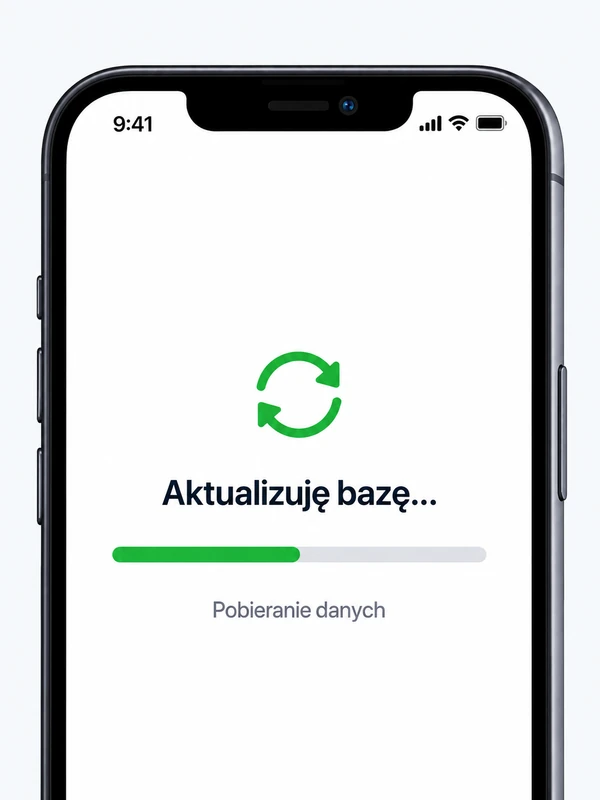
Your phone downloads updates according to its network and system settings.
The number is compared with the database on your phone. Its label helps you assess an unknown call.
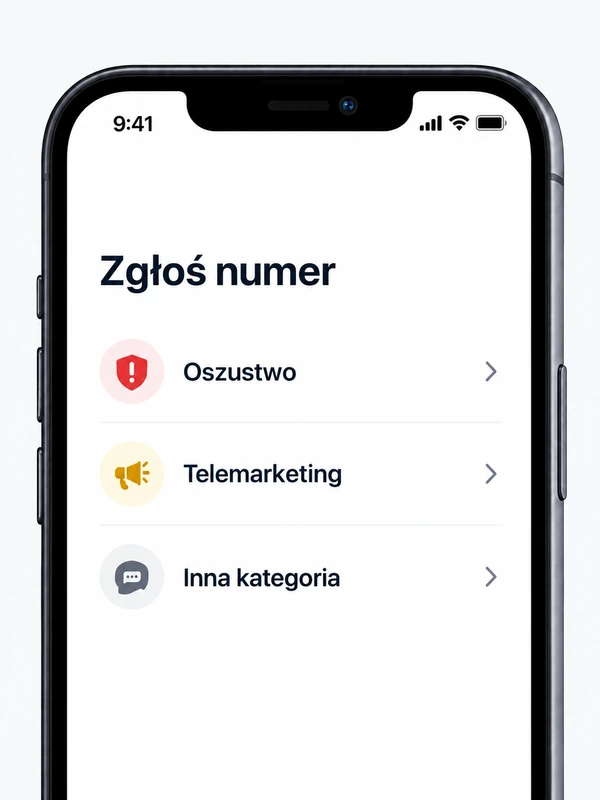
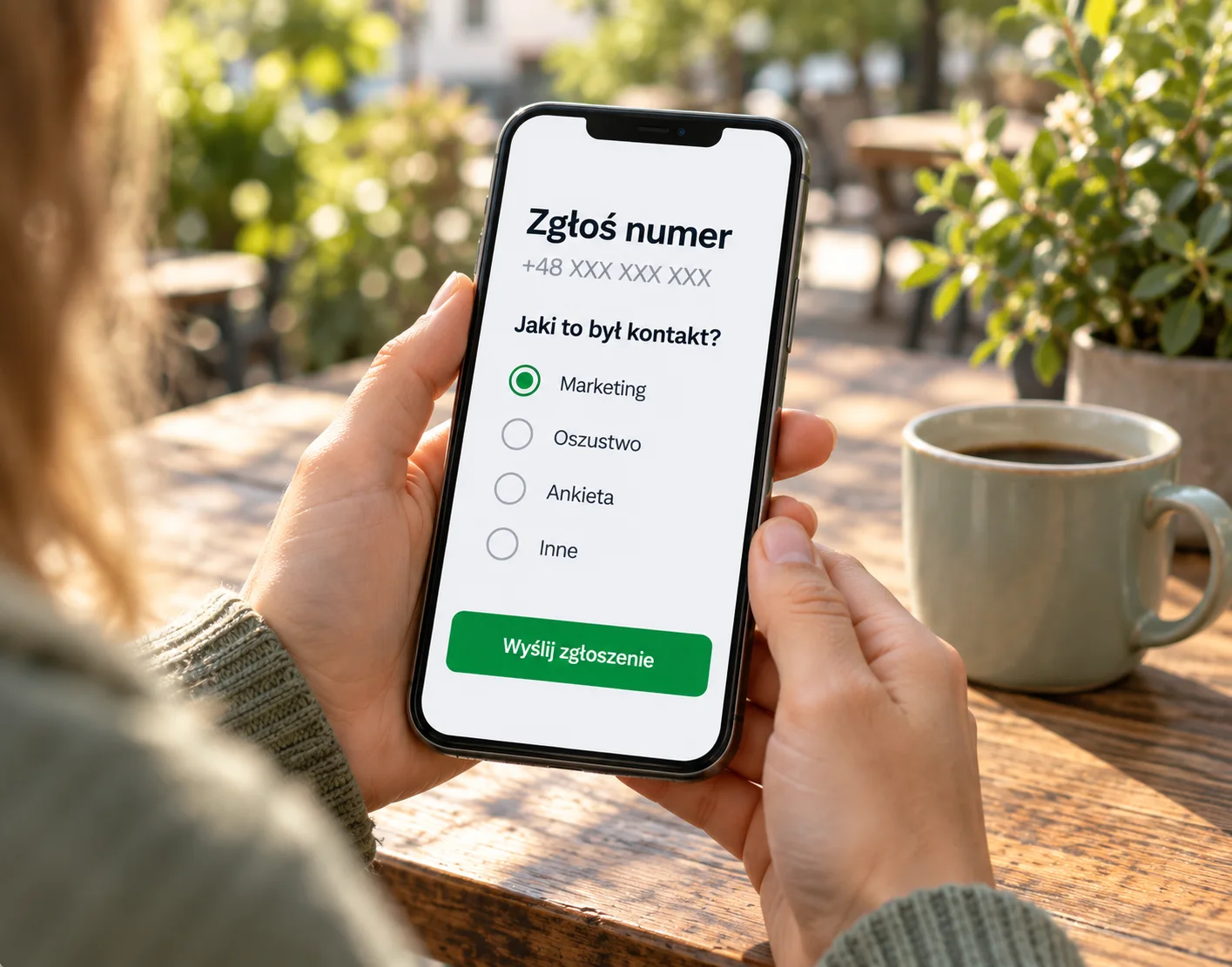
Choose a category and confirm the report. The call itself does not send a report.
Protection uses system features and settings.
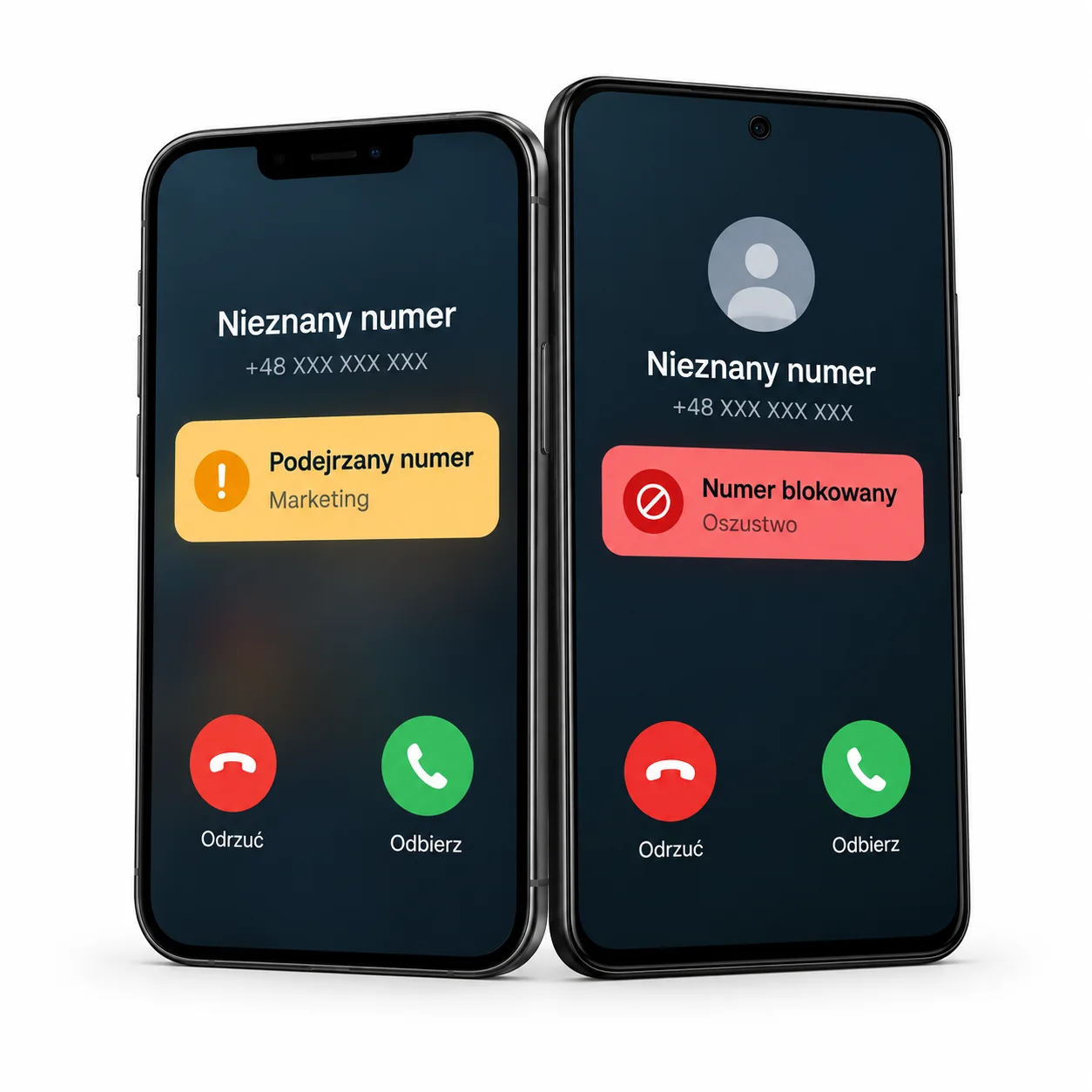
On iPhone, allow BanCaller to identify and block calls in the Phone app settings. The app will guide you through the setup.
iOS uses the database made available to it. After an update, the system still has to apply the data; background behaviour depends on iOS.
You can check and report a number. A report started from the system Phone app may wait to be completed in BanCaller.
Grant the permissions shown during BanCaller setup. Available settings depend on your Android version and phone manufacturer.
For numbers marked for blocking, you can choose rejection or silencing. Protection uses the latest database and your settings.
Background access and the selected network affect database downloads. Battery restrictions may delay an update.
The status helps you assess a call. It is not a guarantee of safety.
 No active warning
 Blocked number